


Key takeaways
Google Ads attribution for B2B SaaS fails by default; most setups optimize for form fills, not closed revenue.
Last-click attribution overestimates paid search by 2x and underestimates content marketing by 3x, misallocating budgets.
GA4 and Google Ads will never show the same numbers; understanding why prevents the wrong decisions.
Without CRM-connected offline conversions, Smart Bidding trains on leads your sales team can't close.
Closed-loop attribution, connecting Google Ads to CRM pipeline, is the only setup that reflects reality in B2B SaaS.
Most B2B SaaS companies running Google Ads have the same problem. The dashboard looks fine. Conversions are tracking. The cost per lead seems reasonable. But when the CFO asks which campaigns are actually driving closed revenue, nobody has a clean answer.
That's a Google Ads attribution problem. And it's more common than most teams want to admit.
Google Ads attribution for B2B SaaS is fundamentally different from attribution for ecommerce or B2C. Your buyers don't click an ad and convert in the same session. They research for weeks, involve multiple stakeholders, touch eight to twelve channels before booking a demo, and often close months after the first click. Standard attribution setups aren't built for that journey, and if you're making budget decisions based on them, you're making decisions based on incomplete data.
This guide explains exactly where most SaaS teams go wrong with attribution, how to fix it, and what a clean closed-loop setup actually looks like in 2026.
Why Most B2B SaaS Teams Are Flying Blind
The pressure to prove marketing ROI is real and it's increasing. 63% of marketing leaders now report increased pressure from CFOs to demonstrate marketing effectiveness, up from 52% in 2024.
Yet most teams are trying to answer that pressure with attribution data that's structurally broken.
Here's what's actually happening:
The last-click fallacy.
Google Ads, by default, gives 100% of the conversion credit to the last click before a form fill or sign-up. In B2B SaaS, that almost always means a branded search or a direct visit from someone who already knew your product. Every blog post, LinkedIn ad, cold email, and comparison page that influenced the decision gets zero credit. You end up over-investing in bottom-of-funnel channels and starving the top of the funnel that feeds them.
The numbers back this up. A typical B2B SaaS company running on last-click attribution discovered, after switching to multi-touch analysis, that paid search deserved credit for only 31% of revenue — not the 64% their analytics dashboard was showing. Content marketing, which appeared to drive just 8% of conversions under last-click, was actually influencing 29% of deals. That's a $50,000+ annual misallocation on a $150,000 marketing budget.
GA4 and Google Ads tell different stories.
Pull a report in Google Ads and compare it to GA4. The numbers will not match. Google Ads counts conversions based on ad interactions. GA4 counts sessions and events. They use different attribution windows, different de-duplication logic, and different definitions of what counts as a conversion. Most teams pick one and ignore the other. Neither gives you the full picture.
The cookie problem.
Third-party cookies are effectively gone for most browsers. Safari and Firefox have blocked them for years. Chrome's Privacy Sandbox has changed how cross-session tracking works. If your conversion tracking relies on cookies following a user across a 90-day B2B sales cycle, a meaningful percentage of your conversions are either unattributed or misattributed. You're looking at an incomplete dataset and treating it as fact.
CRM and Google Ads don't talk to each other.
A lead fills in a demo form. Google Ads records a conversion. That lead then goes into a 60-day sales cycle. Some close. Most don't. But Google Ads has no idea which ones closed — so it optimizes toward whatever form fills look like, not toward the lead quality that actually matters. You end up with Google Ads getting better at generating leads your sales team can't close.
The Fix: Closed-Loop Attribution
Closed-loop attribution means your Google Ads account knows not just that someone converted, but whether they became a customer, and what that customer was worth.
It sounds obvious. But guess what? Most B2B SaaS teams don't have it.
Building it requires connecting three things that usually live in silos: Google Ads, your CRM (HubSpot or Salesforce), and GA4. Here's the five-step setup.
5-Step Google Ads Attribution Setup for B2B SaaS
Step 1: Audit Your Current Conversion Actions
Before adding anything new, clean up what you have. Go to Google Ads → Tools → Conversions and review every active conversion action.
What you're looking for:
- Duplicate conversions (the same form being tracked twice)
- Micro-conversions counted as primary conversions (e.g., page views, scroll depth)
- Conversions with mismatched attribution windows (B2B should be 90 days minimum)
- Any conversion that fires on a page load instead of a confirmed form submit
Most accounts have all of these problems running simultaneously. They inflate your conversion numbers and make Smart Bidding optimize toward the wrong signals.
Mark only meaningful conversions as "Primary." Everything else, from page views to time on site, and video plays, should be set to "Secondary" or removed entirely. Google's bidding algorithms train on your primary conversions. If you're feeding them noise, you get noise back.
Step 2: Set Up Enhanced Conversions
Enhanced conversions is Google's first-party data solution for a cookieless world. It works by hashing first-party customer data (email, phone, name) collected from your forms at the moment of conversion and sending it back to Google. Google matches it against signed-in Google accounts to attribute conversions more accurately, even when the cookie trail is broken.
How to implement:
- Go to Google Ads → Tools → Conversions → Settings
- Enable Enhanced Conversions for Web
- Tag your form submit events to pass hashed customer data via Google Tag Manager
This is not optional in 2026. Non-branded B2B Google Ads CPCs jumped 29% to an average of $5.34 between August 2024 and July 2025, while CTRs dropped 26% in the same period. Every wasted click costs more than it did a year ago. Enhanced conversions ensures the conversions you are getting are being attributed correctly, so Smart Bidding has clean data to learn from.
Step 3: Connect Your CRM — HubSpot or Salesforce
This is where most teams stop short. Getting Google Ads to talk to your CRM is what transforms attribution from "clicks and form fills" into "pipeline and revenue."
HubSpot Google Ads integration:
- Connect via HubSpot → Marketing → Ads → Connect Account
- Enable auto-tagging in Google Ads (this appends gclid to every click)
- Map gclid to a HubSpot contact property so you can trace every closed deal back to its originating ad click
- Create lifecycle stage-based audiences in HubSpot and import them into Google Ads as customer match lists for exclusion (don't spend money showing ads to existing customers) or for re-engagement
Salesforce attribution:
- Use Salesforce's native Google Ads connector or a middleware tool like Zapier or Dreamdata
- Create a custom field on the Lead and Opportunity object to capture gclid
- Set up an automated workflow that fires when Opportunity Stage = Closed Won, and pushes that event back to Google Ads as an offline conversion
Both setups require your dev or ops team for the initial configuration. It typically takes one to two days to implement and about two to four weeks to collect enough conversion data for Google's algorithms to use it meaningfully.
Step 4: Import Offline Conversions
Offline conversion import is what closes the loop between your CRM and Google Ads. Once a deal closes in Salesforce or HubSpot, that closed-won event gets sent back to Google Ads and attributed to the original ad click, even if that click happened 90 days ago.
Why this matters: Google Ads is now training its Smart Bidding on qualified pipeline and closed revenue, not just demo requests. Over time, this shifts the algorithm from optimizing for volume to optimizing for quality. You'll typically see fewer leads but higher close rates.
Setup requirements:
- Each closed-won record needs the original gclid from the lead's first ad interaction
- Conversions must be imported within 90 days of the original click (Google's maximum lookback window)
- Use Google's Ads Data Manager or direct API upload, or automate via your CRM's native integration
Step 5: Connect GA4 to Google Ads and Align Your Reporting
GA4 and Google Ads will never show identical numbers, and that's fine once you understand why. What matters is that both are set up correctly and that you're using each for what it's actually good at.
GA4 is better for: understanding user behavior, session quality, landing page performance, and assisted conversions across all channels.
Google Ads is better for: campaign-level performance, bid optimization, and cost efficiency.
To connect them:
- Go to Google Ads → Tools → Linked Accounts → Google Analytics
- Link your GA4 property
- Import GA4 conversion events into Google Ads rather than creating duplicate Google Ads conversion actions
This eliminates the double-counting problem and gives you a single source of truth for conversion data.
Build a Looker Studio dashboard that pulls from both sources and adds CRM pipeline data. It should show: organic + paid traffic by source, conversion rate by landing page, pipeline created by campaign, and cost per closed deal. That's the report that answers the CFO's question.
What This Looks Like in Practice
FYXER came to us with a Google Ads account that was producing conversions on paper but not revenue in reality. Their PMAX and Search campaigns were poorly structured, conversion actions were tracking the wrong events, and there was no connection between their Google Ads data and their CRM. The CMO, Franky, knew Google should be a major acquisition channel, but the data wasn't making a case for it.
Waqas started with a full Google Ads audit for SaaS, rebuilding the account structure from scratch, cleaning up conversion actions, and implementing proper tracking infrastructure. Once the attribution was clean and the campaigns were restructured around the right signals, the results compounded quickly. FYXER scaled to six-figure monthly ad spend across the US, UK, Australia, and Canada. Google Ads now generates 12% of their total ARR and has brought in over 10,000 new customers, revenue growth of 20x during the partnership.
The campaigns didn't change as dramatically as the tracking did. Clean attribution changed what Google's algorithm was optimizing toward, and that changed everything.
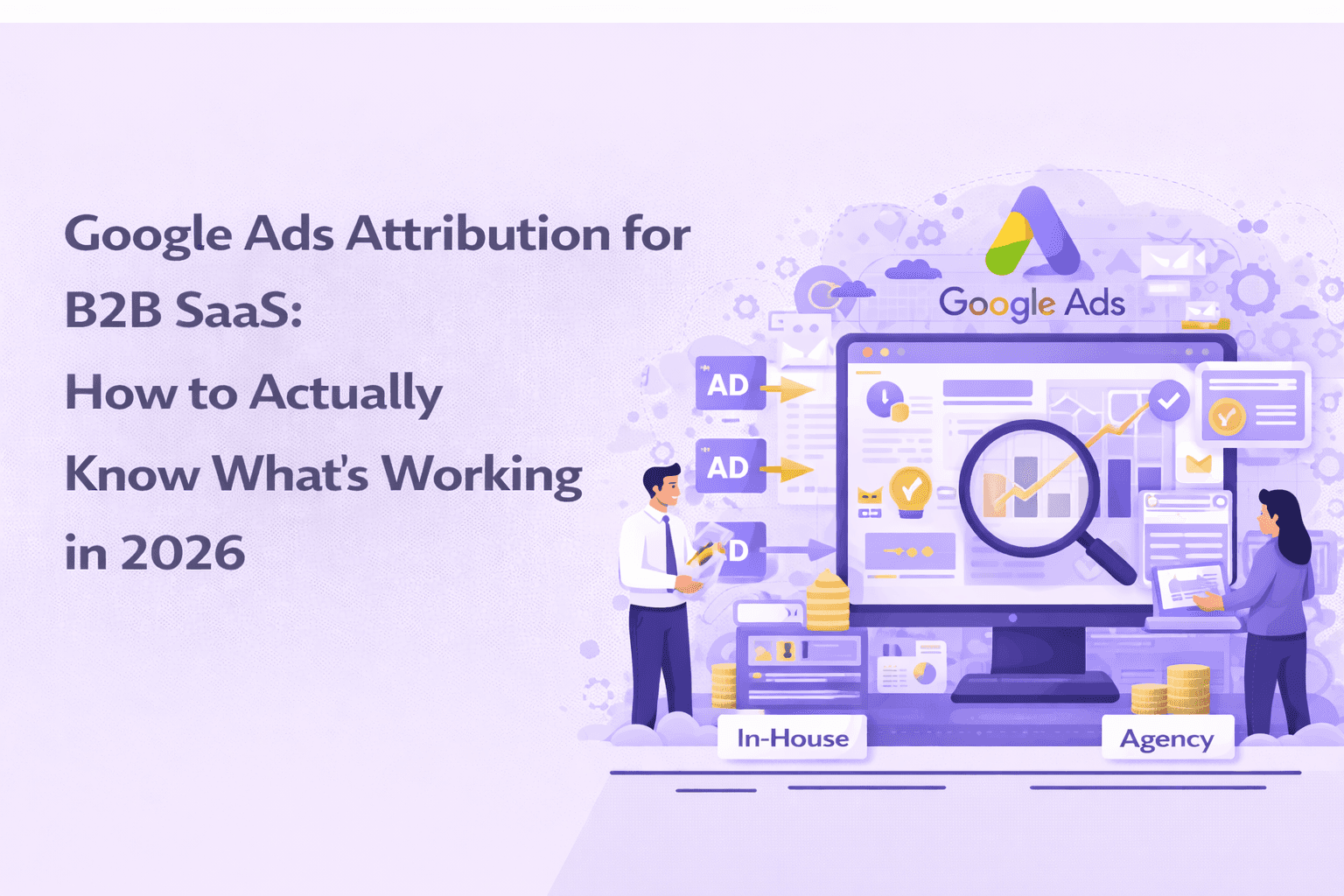
If you're evaluating whether to handle your Google Ads Strategy in-house or bring in a specialist, our in-house Google Ads vs agency for B2B SaaS is worth taking a look.
But before you take the call, make sure you find out the right way to evaluate a Google Ads agency. You don’t want just about any agency to lead your Google ads, you want board-level partnership that understands Google inside out. Scalix AI does.
The Bottom Line
Attribution is a serious revenue problem.
If your Google Ads account is optimizing toward the wrong signals, it will get better and better at producing the wrong results. You'll spend more, the leads will stay mediocre, and eventually someone in leadership will decide Google Ads doesn't work for B2B — when the real issue was never the channel.
Getting attribution right is the foundation. Everything else, from campaign structure to your bidding strategy, and creative testing, builds on top of it. If you're making budget decisions without closed-loop data connecting your ad spend to revenue, you're guessing.
At Scalix AI, our Google Ads management for B2B SaaS starts with a tracking and attribution audit before we touch a single campaign. Because without clean data, optimization is just educated guessing. We've also been recognized among the top Google Ads agencies in the US, not for vanity metrics, but for building systems that connect ad spend to closed revenue.
If you want to know exactly what your current attribution setup is costing you, book a free audit. We'll show you where the gaps are and what it would take to fix them.